🔫 Triggers Setup
What are triggers?
⭐ Triggers are used to perform actions, like moving newly created leads/contacts into pipelines or campaigns, sending alerts to clients, and other actions.
⭐ The nature and specifics of the campaign will dictate what triggers need to be setup.
⭐Here is a list of trigger sets for client campaigns (see sub-pages under this page)
Copying Triggers
⭐ When setting up a new campaign, you may have to copy over triggers from a more recent campaign depending on when the client was initially setup.
Start by going to the triggers section of either the "Demo" account or a recent correct client account that has the most updated triggers.
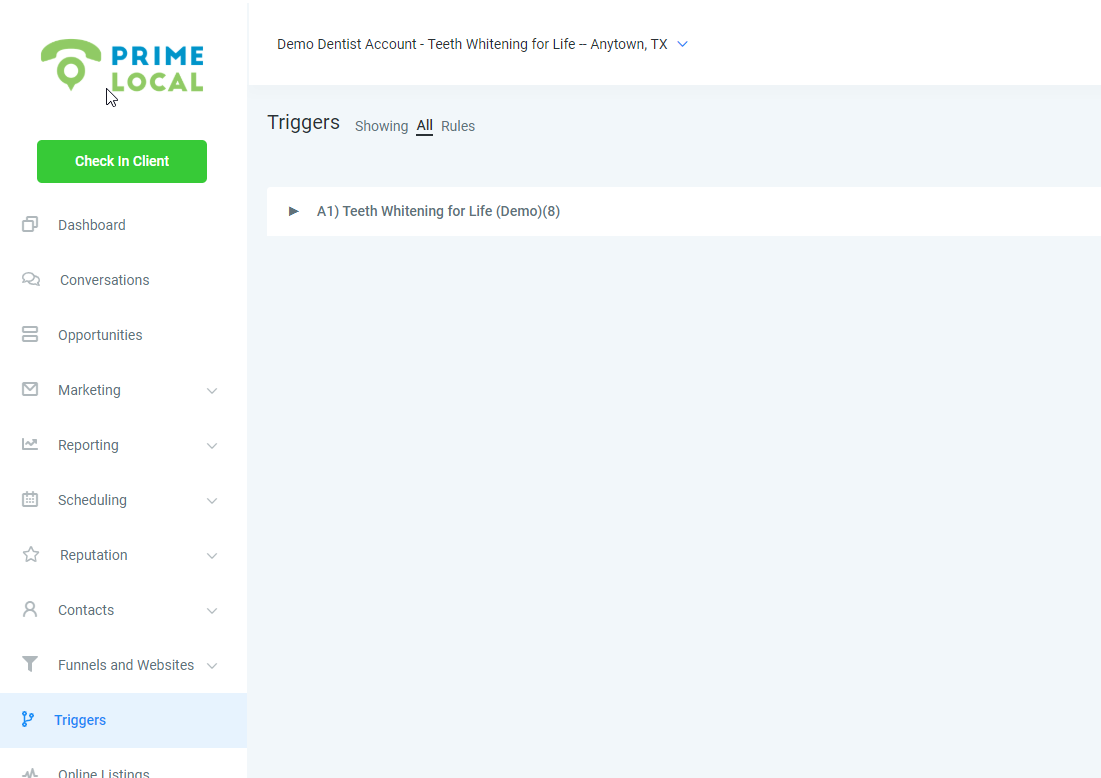
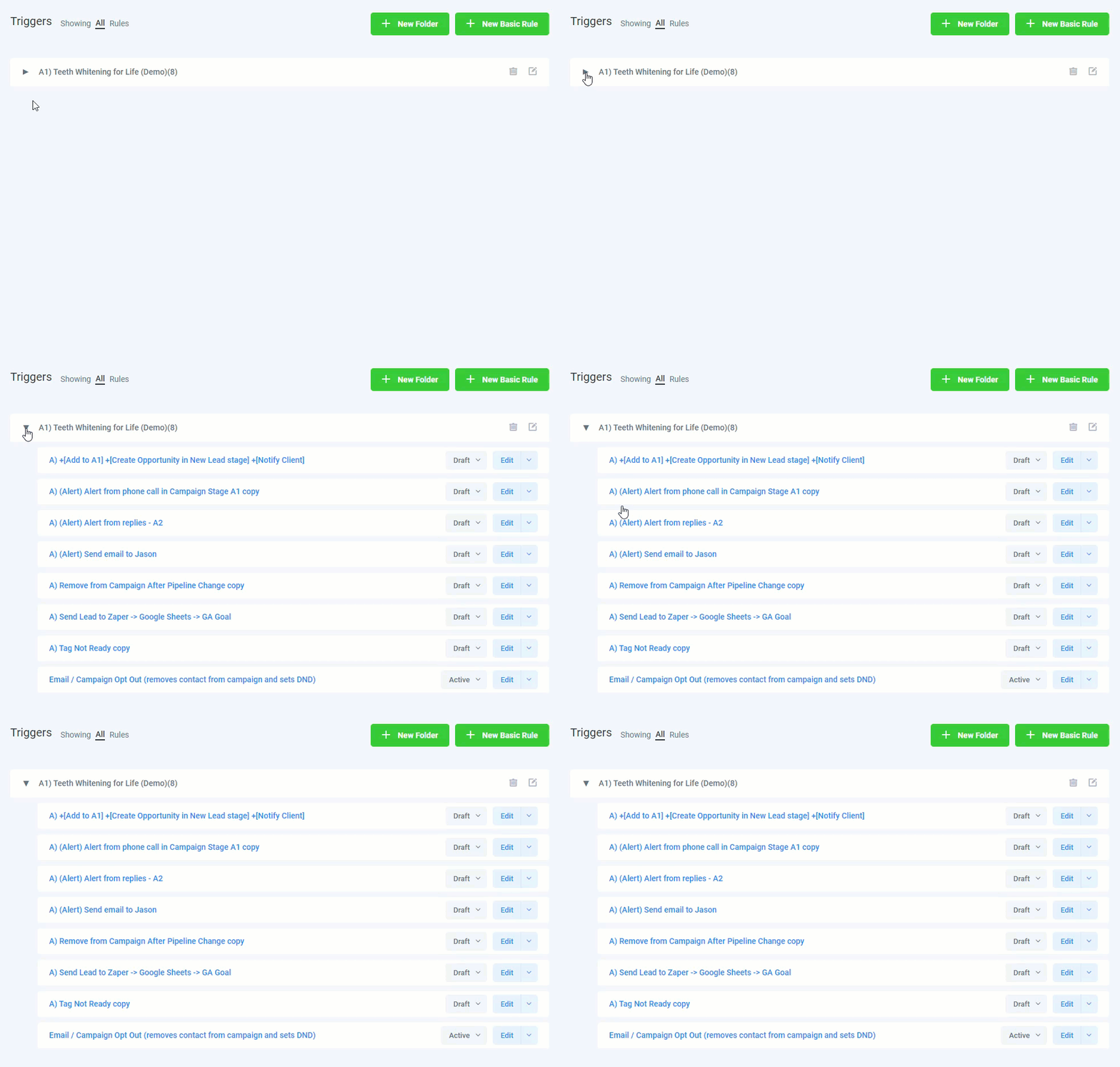
Here you'll see that there is a folder containing 8 triggers for the Demo Dentist Campaign. Expand this folder to reveal the triggers contained in the folder.
Next we'll want to copy each one into our target new client trigger section.
Click Edit > Duplicate > Delete "copy" from [new trigger name] > Add target client in Location field
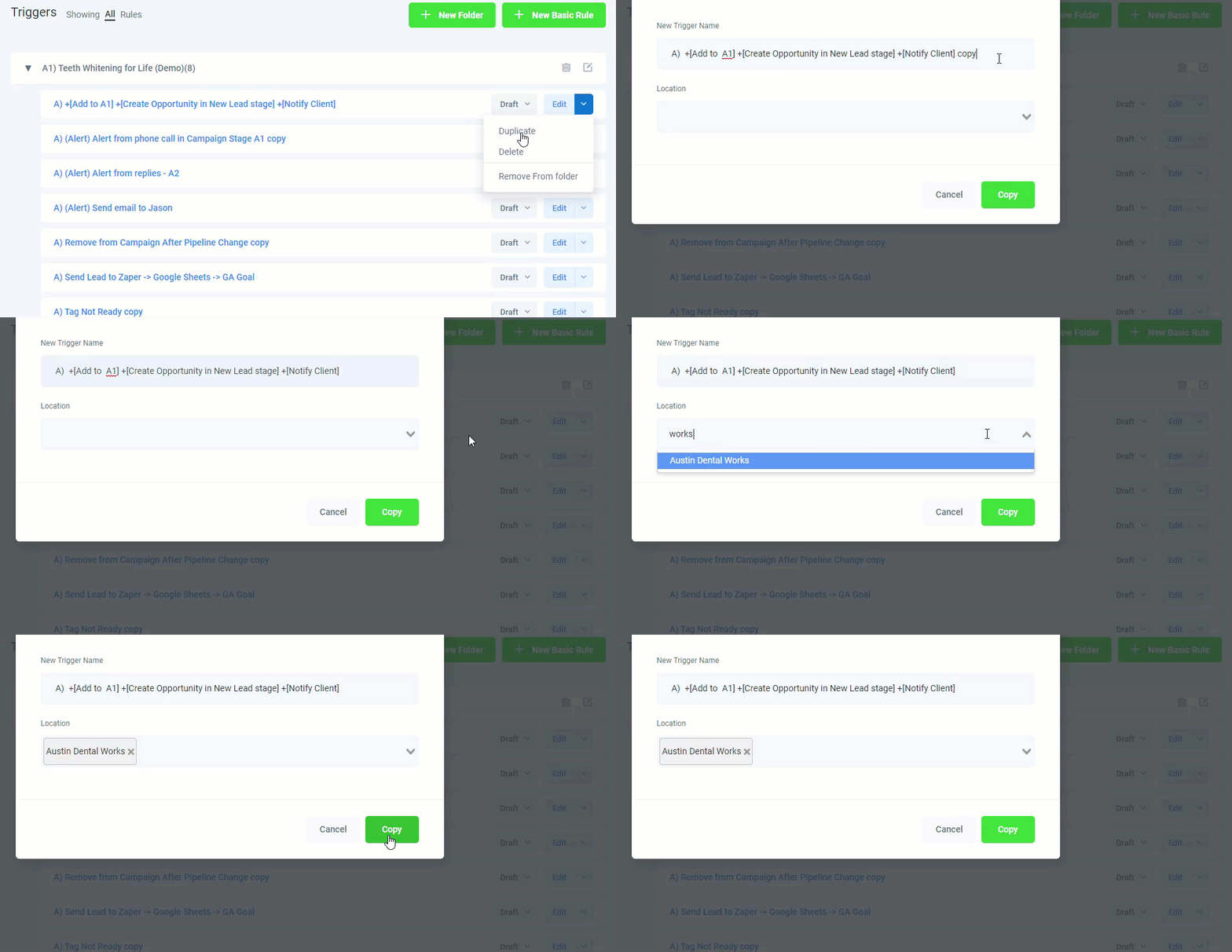
Continue this for all or the needed triggers you need to place into the target client.
Organizing Triggers into Folders
Keep your triggers tidy but placing them into folders.
Click the green "New Folder" button at the top of the triggers page
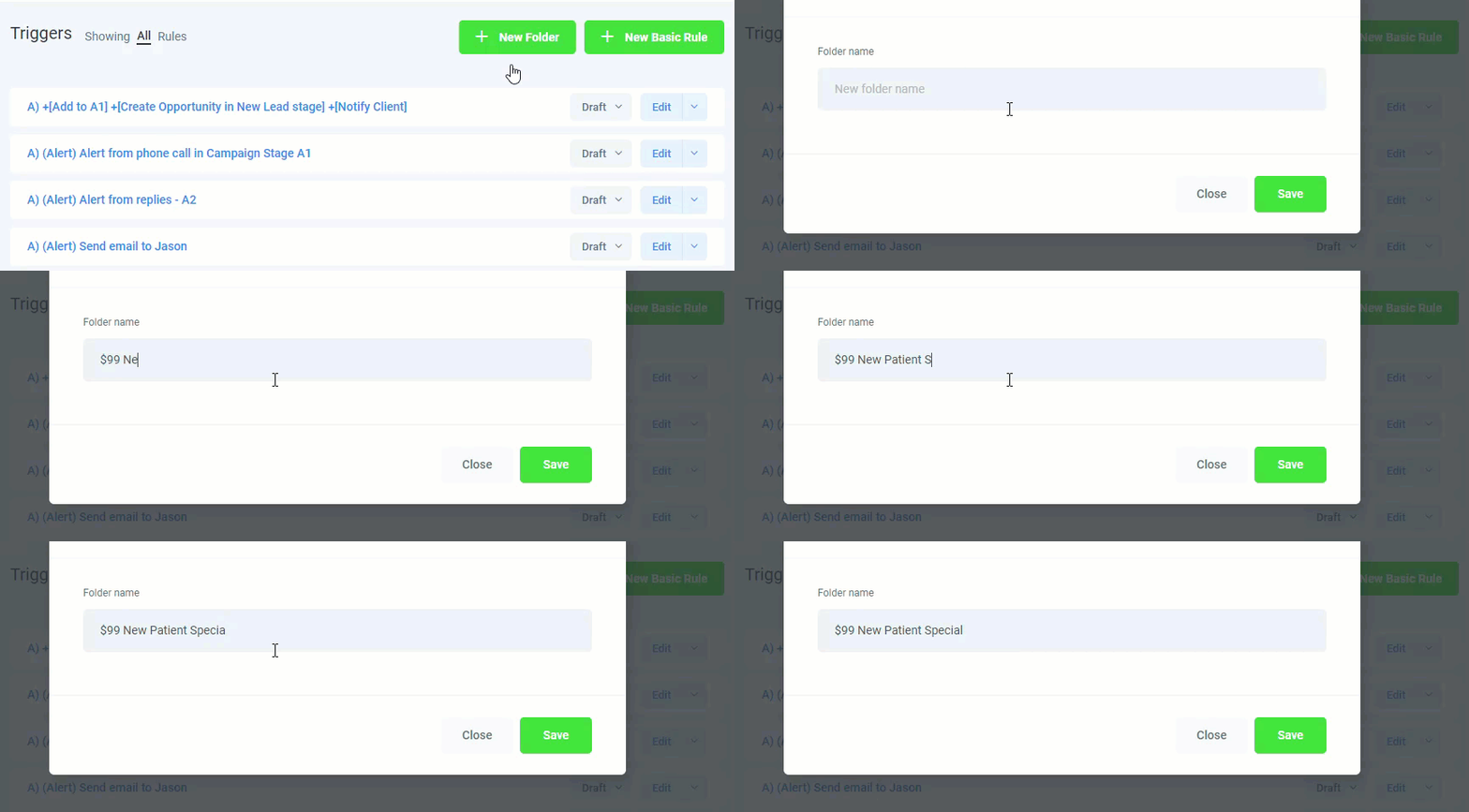
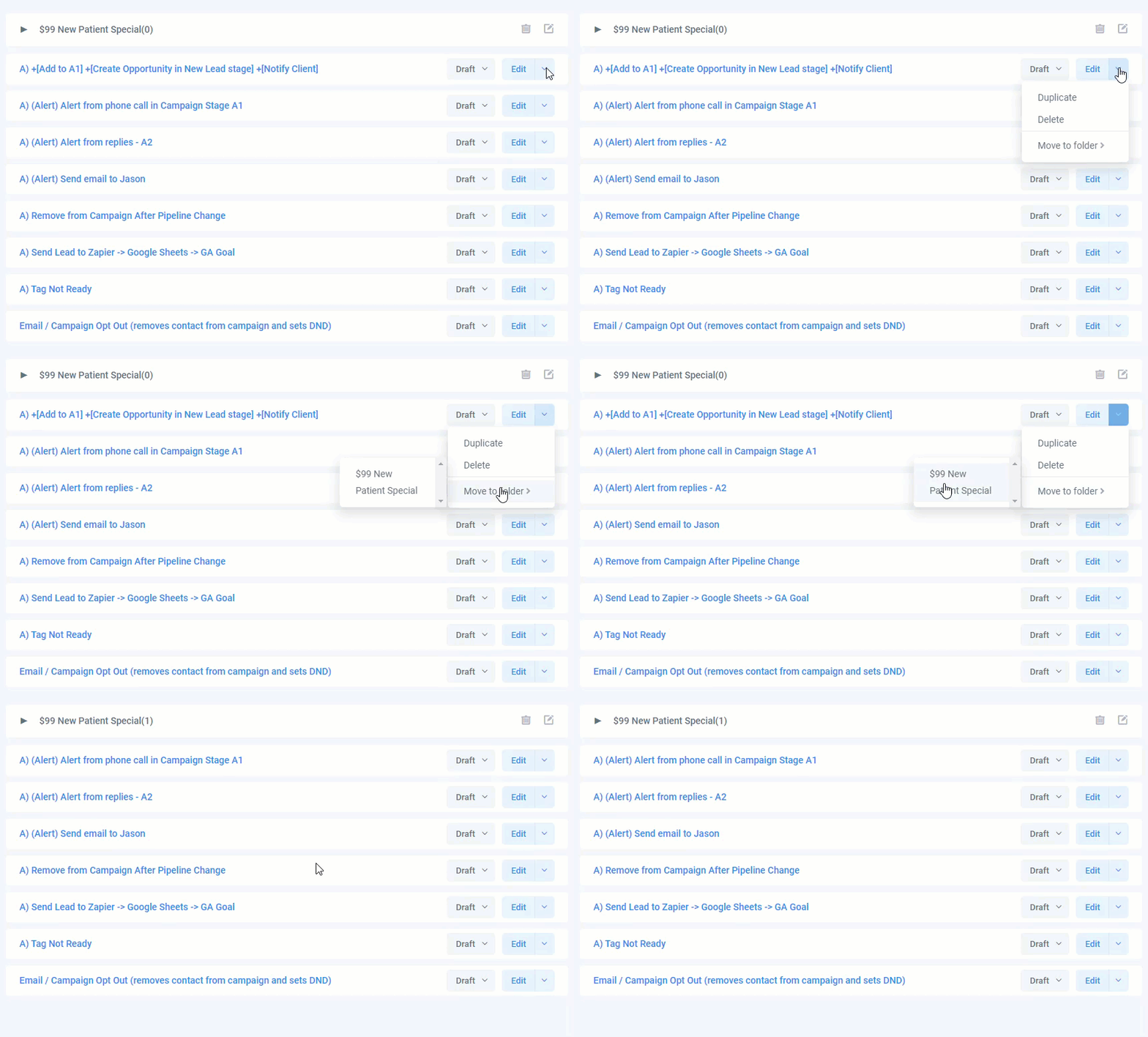
Next click on the Edit down arrow button and move the trigger to your folder. Repeat this for all the triggers should should go in your folder.